

If your household already lives in Plex, it’s tempting to put your live channels there too: one app, one guide, DVR recordings next to your movies. It’s possible with Yeah IPTV, but not in the same “type your login and go” way as TiviMate or IPTV Smarters. Plex expects a TV tuner, so you add a small free tool that pretends to be one. This guide explains how it works, what you need, and whether it’s worth the effort for you.
How It Works
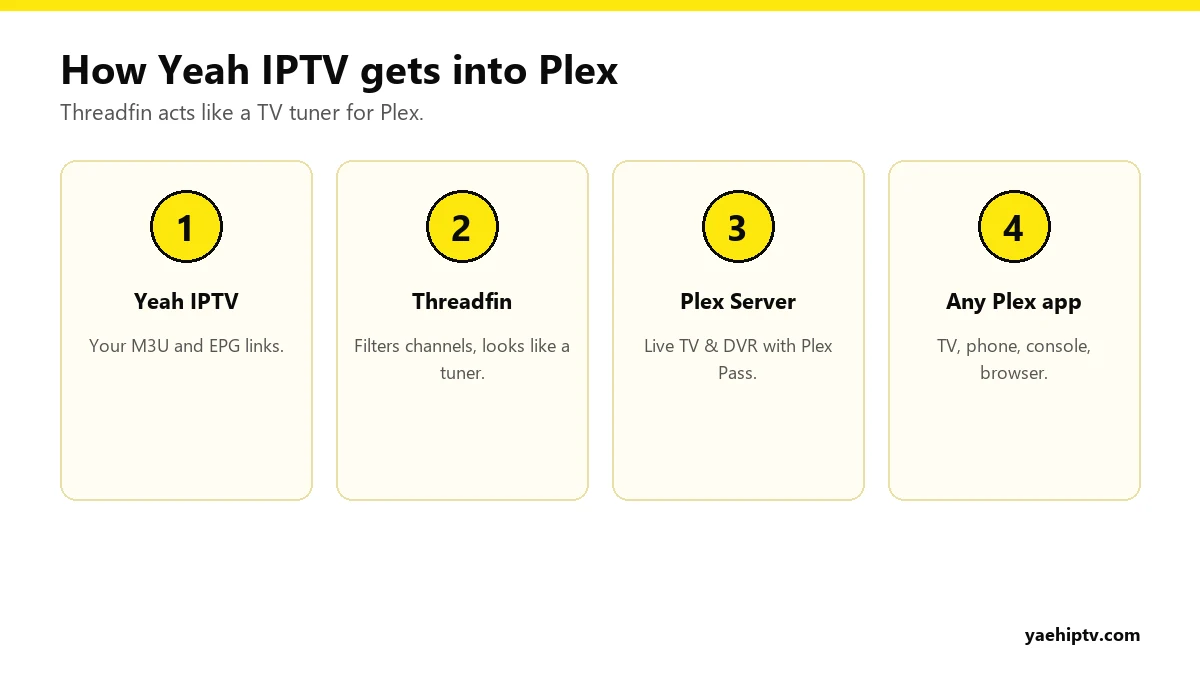
Plex Live TV & DVR was built for antenna tuners like HDHomeRun. Tools such as Threadfin (or the older xTeVe) read your IPTV playlist and guide, then present themselves to Plex as an HDHomeRun tuner. Plex sees a tuner with channels and a guide, and everything else works as normal.
What You Need
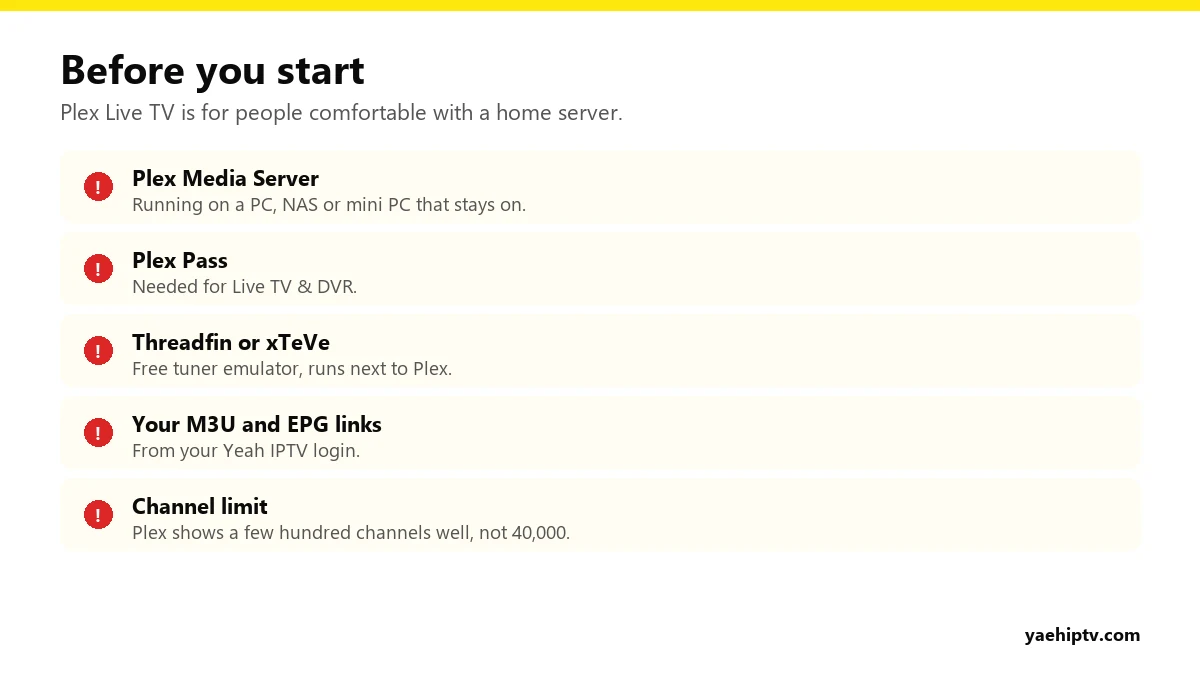
- Plex Media Server on a computer, NAS or mini PC that stays on.
- Plex Pass, which Live TV & DVR requires.
- Threadfin or xTeVe, installed on the same machine or network.
- Your Yeah IPTV M3U link and EPG (XMLTV) link. If you only have Xtream Codes details, ask support for both links.
Step-by-Step Setup
1. Install Threadfin
Download it from the project’s official page (there are builds for Windows, macOS, Linux and Docker). Start it and open its web interface in your browser.
2. Add your playlist and guide
In the setup wizard, paste your M3U link as the playlist and your XMLTV link as the EPG source. Set the number of tuners to match your Yeah IPTV connections. With 1 connection, set 1 tuner.
3. Pick your channels
This is the important part. Plex isn’t designed for tens of thousands of channels. Use Threadfin’s filters to keep the groups you actually watch (for example US news, sports and local channels). A few hundred channels at most is ideal.
4. Map channels to the guide
In Threadfin’s mapping screen, make sure each channel is linked to its guide entry. Most map automatically. Fix the ones that don’t.
5. Add the tuner in Plex
In Plex: Settings › Live TV & DVR › Set Up Plex DVR. Plex should find the Threadfin “HDHomeRun”. If not, enter Threadfin’s address manually. By default Threadfin listens on port 34400, so the address looks like http://192.168.1.20:34400. Use the computer’s local network IP, not 127.0.0.1, or Plex may report that no channels can be found. Choose XMLTV for the guide and point it to Threadfin’s XMLTV link.
6. Watch and record
Your channels appear under Live TV in every Plex app: smart TVs, consoles, phones and browsers. You can schedule recordings from the guide.
Limits to Know Before You Start
- Connections still apply. Every live stream or recording uses one Yeah IPTV connection. Two people watching plus one recording needs 3 connections.
- Channel changes are slower than in a dedicated IPTV player.
- Movies and series from the Yeah IPTV library don’t appear in Plex this way. This setup is for live channels.
- It needs maintenance when channel lists change.
If that sounds like too much, a dedicated player gives you everything with far less setup. See IPTV Smarters Pro with Yeah IPTV.
FAQ
Can I add Yeah IPTV to Plex without Plex Pass?
Plex’s Live TV & DVR feature requires Plex Pass.
Threadfin or xTeVe?
Threadfin is a maintained continuation of xTeVe, so it’s the better choice for new setups.
Why is my guide empty in Plex?
Check that the XMLTV link loads in Threadfin, that channels are mapped, and refresh the guide in Plex. More on guide data in EPG and catch-up.
Need help with your IPTV?
Our team is available 24/7 to help you install and use your subscription on any device.
CONTACT US ON WHATSAPP