
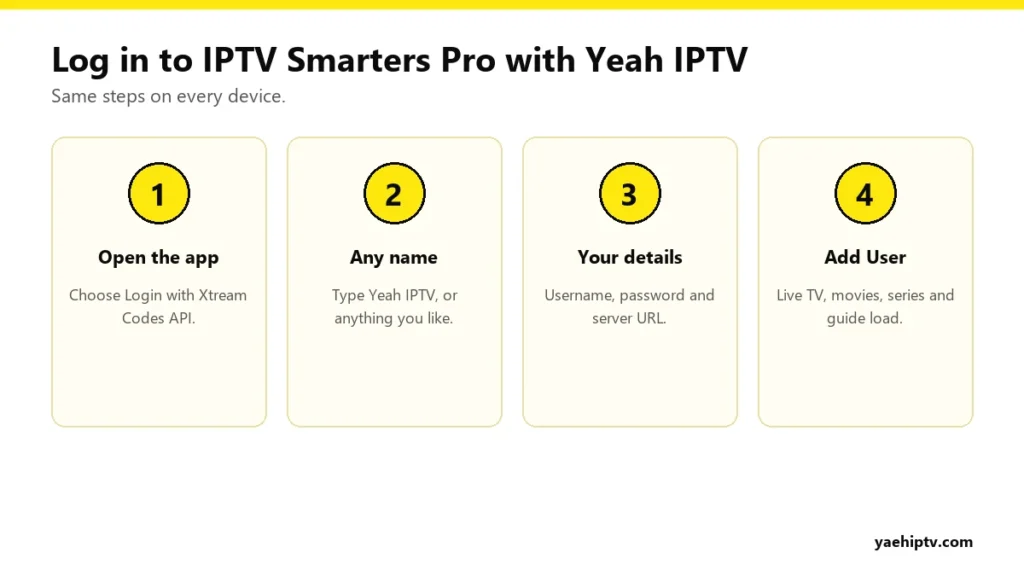
IPTV Smarters Pro is the player most people try first, and for good reason. It’s free, it runs on nearly everything, and it splits your content into clear sections for live TV, movies and series. This guide shows how to set it up with your Yeah IPTV login on each device, which settings to change, and how to fix the errors people hit most.
Where to Get IPTV Smarters Pro
- Android phones, tablets and Android TV / Google TV: Google Play Store.
- Firestick and Fire TV: not in the Amazon Appstore. Install it with the Downloader app. Follow our Firestick guide, and ask support on WhatsApp for the download link.
- iPhone, iPad and Apple TV: App Store (listed as a Smarters player).
- Samsung and LG TVs: in the TV’s app store on many models. Availability depends on model and region.
- Windows and Mac: from the official IPTV Smarters website.
How to Log In With Your Yeah IPTV Account
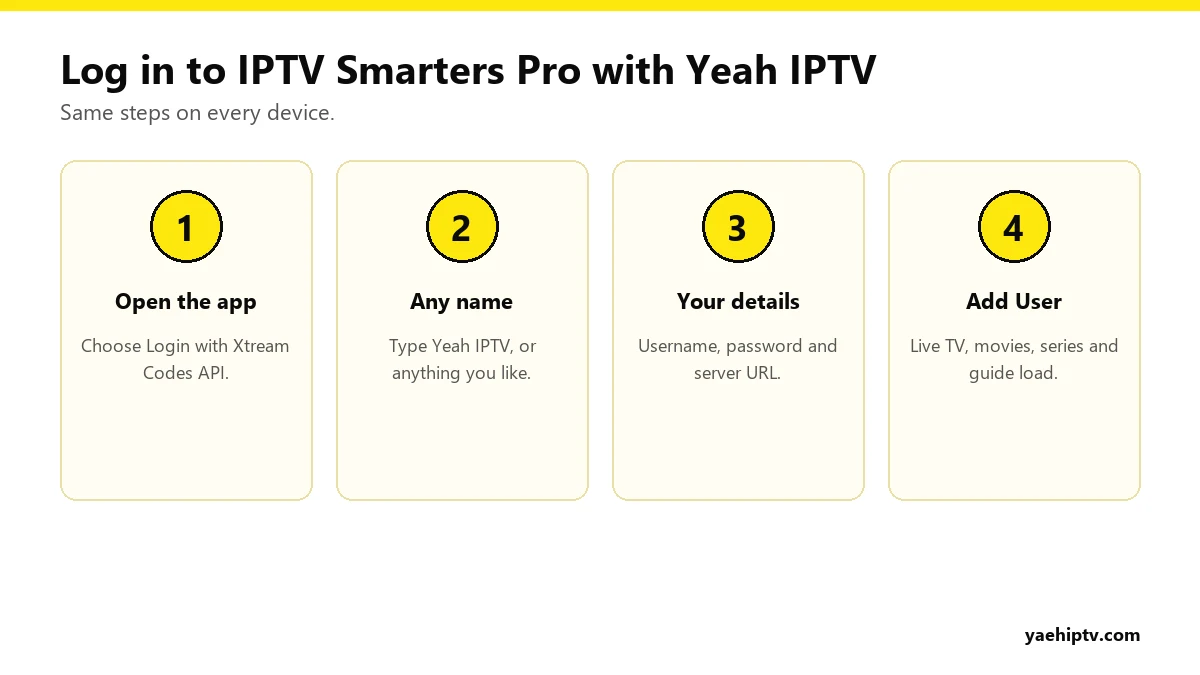
- Open IPTV Smarters Pro and accept the terms.
- Choose Login with Xtream Codes API. It’s better than the M3U option because it loads movies, series and the guide automatically. Here’s why: M3U vs Xtream Codes.
- Any name: type “Yeah IPTV”.
- Username and password: exactly as in your Yeah IPTV message. They’re case-sensitive.
- URL: the server URL, including
http://and the port number (for example:8080). - Tap Add User. After a few seconds you’ll see Live TV, Movies, Series and Catch-up.
Settings Worth Changing
Refresh the TV guide
Go to Settings › EPG (or tap the refresh icon on the home screen) and load the guide. With 40,000+ channels, give it a few minutes the first time. How to use it is covered in EPG and catch-up.
Choose the player
Under Settings › Player Selection, Smarters lets you choose between its built-in players. If a channel freezes or has no sound, switching player often fixes it.
Hide categories
Long-press a category, or use the settings menu, to hide countries you don’t watch. A shorter list makes the remote much faster.
Parental control
Set a PIN under Settings › Parental Control and lock adult or other categories.
Common Errors and Fixes
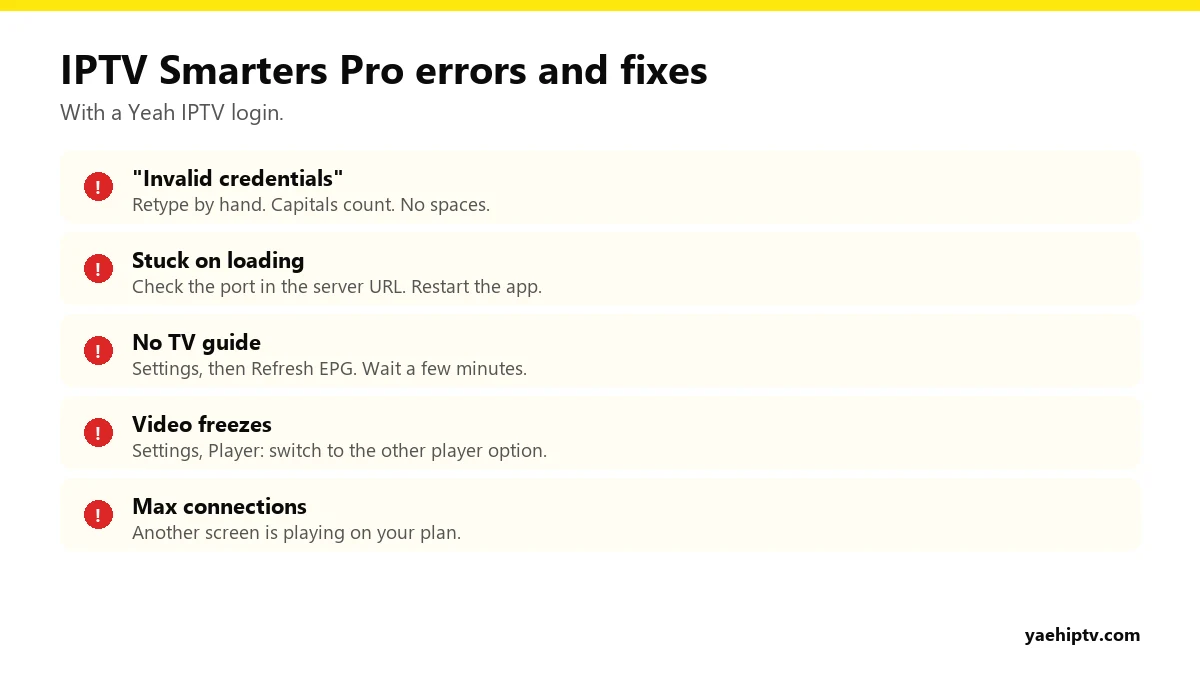
- “Invalid credentials” or “Login failed”: retype the username and password by hand. Pasting can add a hidden space.
- Endless loading: the server URL is usually missing its port. Fix it, then restart the app.
- Empty guide: refresh EPG and wait.
- Freezing: change player in settings, restart the router, and see how to fix IPTV buffering.
- “Max connections”: another screen on your plan is already streaming. One connection = one screen at a time. Details in the plans guide.
Device-by-Device Install Notes
Firestick and Fire TV
- Home screen: Find › Search, type “Downloader”, install it.
- Settings › My Fire TV › Developer Options › Install unknown apps, turn on Downloader. If Developer Options is hidden, go to Settings › My Fire TV › About and click the device name 7 times.
- Open Downloader and enter the download link or code for IPTV Smarters Pro. Yeah IPTV support can send it to you on WhatsApp.
- Install, open, choose Login with Xtream Codes API.
Android phone, tablet, Android TV
Install IPTV Smarters Pro from Google Play, open it, and log in with Xtream Codes.
iPhone, iPad, Apple TV
Search the App Store for the Smarters player. Log in with Xtream Codes or add your M3U playlist. On Apple TV, use the iPhone’s remote keyboard (Control Center) to type faster.
Samsung and LG TVs
Search your TV’s app store for IPTV Smarters. On many recent LG models it’s in the LG Content Store. On Samsung, availability depends on your model and country. If you don’t find it, IBO Player or Smart IPTV are good alternatives. See best apps for Smart TVs.
Windows and Mac
Download IPTV Smarters Pro from its official website only, install it, and log in the same way.
Getting the Most Out of Smarters
Catch-up
Open Catch-up from the home screen, pick a channel with a catch-up icon, choose a day, and play a program that already aired. Works on supported channels only.
Multi-screen
On larger screens, Smarters lets you show up to four live channels at once in Multi-Screen mode. Handy for sports Sundays. Each stream counts as one connection, so you need a plan with enough connections. See connections explained.
Favorites
Long-press a channel or movie (or press the star) to add it to favorites. Your favorites become their own list.
Search
With 40,000+ channels and 190,000+ movies and series, search is the fastest way to find anything. Type two or three letters.
Recording
On some Android devices, Smarters shows a record button during live playback. If you record a lot, TiviMate Premium is more complete.
Subtitles and audio
During a movie or episode, tap the screen and choose the subtitle or audio icon to switch language.
Smarters Pro or TiviMate?
Smarters is easier for beginners and has a nicer movies and series layout. TiviMate (Firestick and Android TV only) has a better TV guide and recording with its Premium version. Plenty of people install both and use each for what it does best. Remember that both count as connections when they play at the same time.
FAQ
Is IPTV Smarters Pro free?
The basic app is free. Your Yeah IPTV subscription is what gives you the channels and movies.
Can I add Yeah IPTV on several devices with Smarters?
Yes. Repeat the login on each one. How many can play at once depends on your number of connections.
Smarters asks me to “Add Playlist”. What do I pick?
Pick Xtream Codes API and use your username, password and server URL.
Need help with your IPTV?
Our team is available 24/7 to help you install and use your subscription on any device.
CONTACT US ON WHATSAPP
4 Responses