
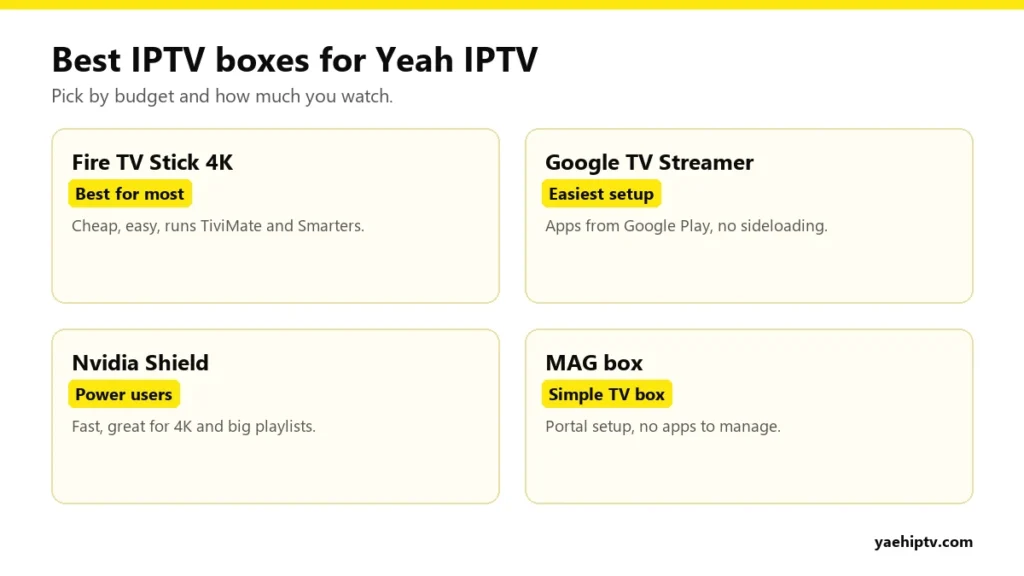
If your TV can’t run a good IPTV player, or it’s slow when it does, an IPTV box fixes that in five minutes. The question is which one. This guide compares the devices that work best with Yeah IPTV, from budget sticks to power-user boxes, so you can pick by budget and by how much you watch.
The Short Answer
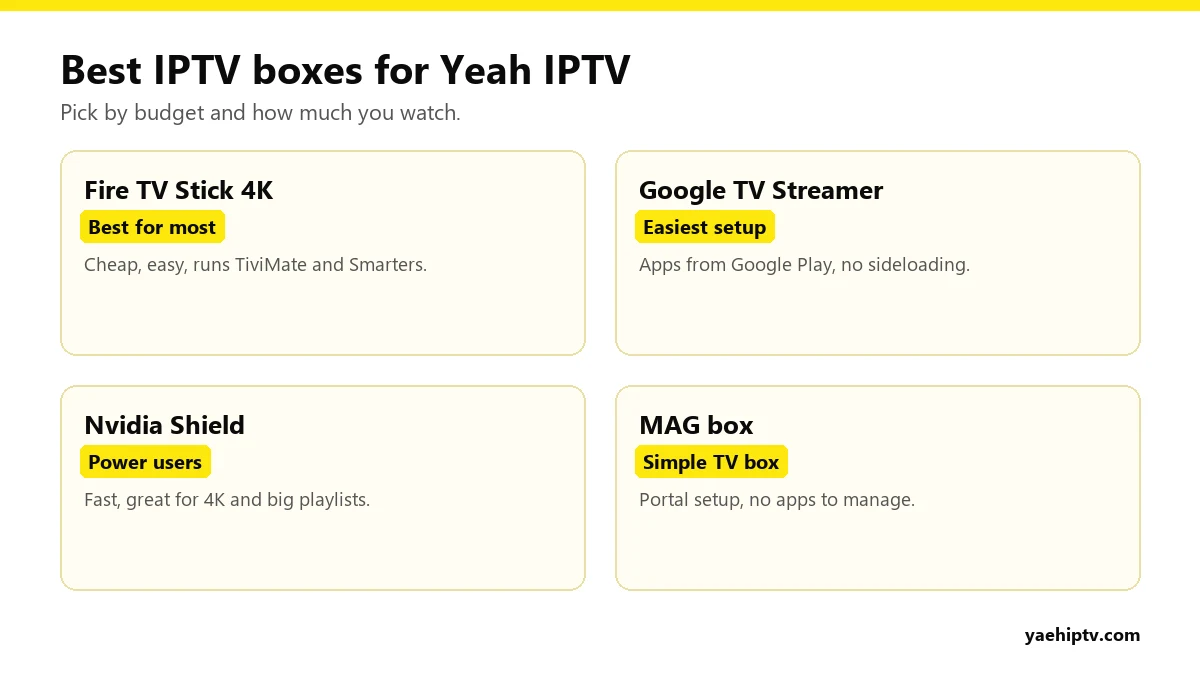
- Most people: Amazon Fire TV Stick 4K.
- Easiest setup: Google TV Streamer or Chromecast with Google TV.
- Heavy users, recording, big 4K TVs: Nvidia Shield.
- “Just make it work” households: a MAG box.
Amazon Fire TV Stick 4K
Cheap, small and the most popular IPTV device in the US. It runs TiviMate, IPTV Smarters and XCIPTV. You install them with the Downloader app.
- Good: price, 4K, huge community of guides.
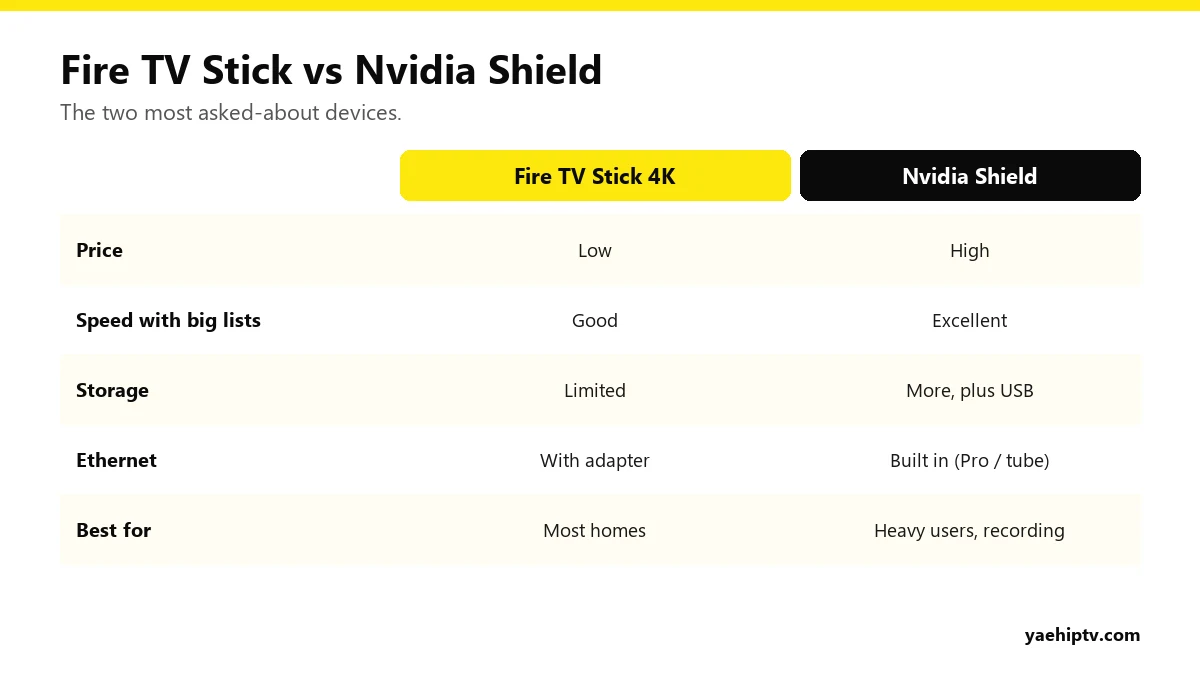
- Watch out: limited storage. Clear cache and remove unused apps regularly.
Setup: install IPTV on Firestick.
Google TV Streamer / Chromecast with Google TV
Runs Android TV, so IPTV players install straight from Google Play. Nothing to sideload.
- Good: easiest install, clean interface.
- Watch out: storage on older Chromecast models.
Setup: Yeah IPTV on Google TV.
Nvidia Shield TV
The fastest Android TV device for IPTV. Large playlists load quickly, the TV guide scrolls smoothly, and recording to a USB drive works well.
- Good: speed, 4K upscaling, Ethernet, USB storage.
- Watch out: costs a lot more than a stick.
Generic Android TV Boxes
There are many no-name Android boxes online. Some are fine. Many run old, unsupported Android versions or come with unknown software preinstalled. If you go this route, choose a well-reviewed brand with Google certification (it has the official Play Store).
MAG Boxes
MAG boxes are built just for IPTV. You give support the MAC address, they link your line, and you enter a portal URL. No apps, no updates to manage. Great for less tech-savvy family members.
What to Look For in Any IPTV Box
- At least 2 GB of RAM, more for big playlists.
- Ethernet, built in or via adapter, for live sports.
- 4K and HDR if your TV supports them and your internet is 20 Mbps+. See internet speed for 4K.
- Current software with security updates.
Which Player to Install on Each Box
| Device | Best players | How to install |
|---|---|---|
| Fire TV Stick / Fire TV | TiviMate, IPTV Smarters Pro, XCIPTV | Downloader app (support can send the link) |
| Google TV Streamer / Chromecast with Google TV | TiviMate, IPTV Smarters Pro | Google Play |
| Nvidia Shield | TiviMate, IPTV Smarters Pro | Google Play |
| Android TV box (certified) | TiviMate, IPTV Smarters Pro, XCIPTV | Google Play |
| Formuler box | MyTV Online | Built in |
| MAG box | Built-in portal | Send MAC to support, enter portal URL |
| Apple TV 4K | iPlayTV, GSE Smart IPTV, Smarters player | App Store |
Step-by-step instructions for each one are on the Yeah IPTV setup guide.
Apple TV 4K: The Premium Alternative
If your home runs on iPhones, an Apple TV 4K is fast, smooth and easy to use, with players like iPlayTV and GSE Smart IPTV in the App Store. It costs more than a Fire TV Stick and has no sideloading, but setup is simple and the remote is pleasant.
What About Game Consoles?
Xbox can run IPTV players from the Microsoft Store (see Yeah IPTV on Xbox). PlayStation has no IPTV player in its store, so a stick in another HDMI port is usually the better choice (see Yeah IPTV on PS4 and PS5). Consoles also use much more power than a stick during hours of TV.
Setting Up Your New Box in 10 Minutes
- Connect the box to the TV’s HDMI port (use the 4K port for 4K).
- Connect to the internet, ideally with a cable.
- Install your player (see the table above).
- Log in with your Yeah IPTV Xtream Codes details: username, password and server URL. Guide: IPTV Smarters Pro with Yeah IPTV.
- Hide the channel groups you don’t watch, and add favorites.
Keep Your Box Fast
- Clear the player’s cache every few weeks.
- Uninstall apps you don’t use, especially on Fire TV Sticks.
- Restart the box once a week. Most never fully switch off.
- Keep the box and the player updated.
- Keep only 2 to 3 days of TV guide data.
Budget Guide
- Tight budget: Fire TV Stick (HD) for a bedroom TV.
- Best value: Fire TV Stick 4K or Google TV Streamer for the living room.
- Best experience: Nvidia Shield or Apple TV 4K.
- Easiest for relatives: a MAG box set up once by support.
FAQ
Do I need a box if I have a Smart TV?
Not always. Samsung and LG TVs can run players. See best Smart TV apps. A box helps if your TV is slow or has no good player.
Do boxes come with channels?
No. The box is the player. Channels come from your Yeah IPTV subscription.
Can I use one Yeah IPTV account on several boxes?
Yes. How many play at the same time depends on your connections. See connections explained.
Need help with your IPTV?
Our team is available 24/7 to help you install and use your subscription on any device.
CONTACT US ON WHATSAPP
One Response