
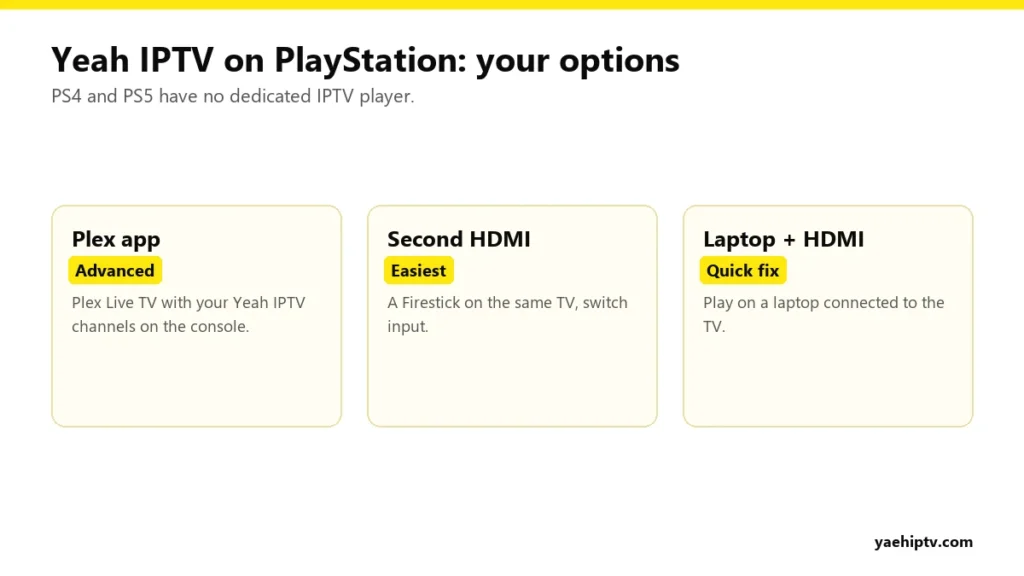
Your PS5 is already plugged into the best TV in the house, so it makes sense to ask: can it play Yeah IPTV too? Here’s the straight answer. Neither the PS4 nor the PS5 has an IPTV player like TiviMate or IPTV Smarters in the PlayStation Store, and you can’t sideload apps. That rules out the simple route. There are still ways to get your channels on that TV, and this guide walks through each one honestly.
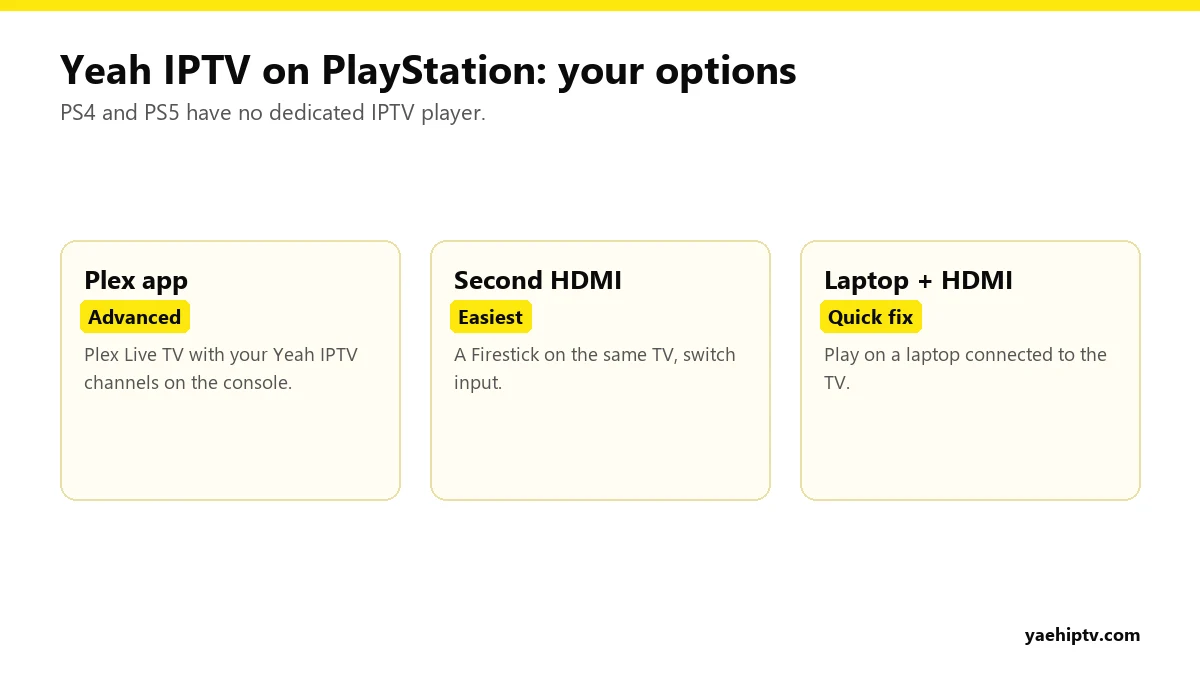
Option 1: Plex on PlayStation (for Advanced Users)
Plex is available on PS4 and PS5. If you run a Plex Media Server at home with Plex Pass, you can add your Yeah IPTV live channels to Plex’s Live TV feature using a free tool called Threadfin. The console then plays them through the Plex app with a TV guide.
This works well, but it needs a computer or NAS running Plex in the background, and it covers live channels only, not the movie and series library. The full walkthrough is in Yeah IPTV in Plex.
Option 2: Use Another HDMI Port (Easiest)
The PlayStation is in one HDMI port. Put a Fire TV Stick or a Chromecast with Google TV in another. When you want live TV, switch input. You get a proper IPTV player with the full guide, catch-up, movies and series, and the console stays free for gaming.
- Fire TV Stick setup: install IPTV on Firestick.
- Chromecast with Google TV: install IPTV Smarters or TiviMate from Google Play and log in. See Smarters with Yeah IPTV.
Option 3: A Laptop With an HDMI Cable
For a one-off match, plug a laptop into the TV and play Yeah IPTV with IPTV Smarters or VLC (see Yeah IPTV on VLC). It’s not elegant, but it works in five minutes.
What About the PS5 Web Browser?
The PS5 doesn’t have an official, easy-to-reach web browser, and the hidden ways people open one aren’t reliable for live streaming. We don’t recommend it.
Which Option Should You Choose?
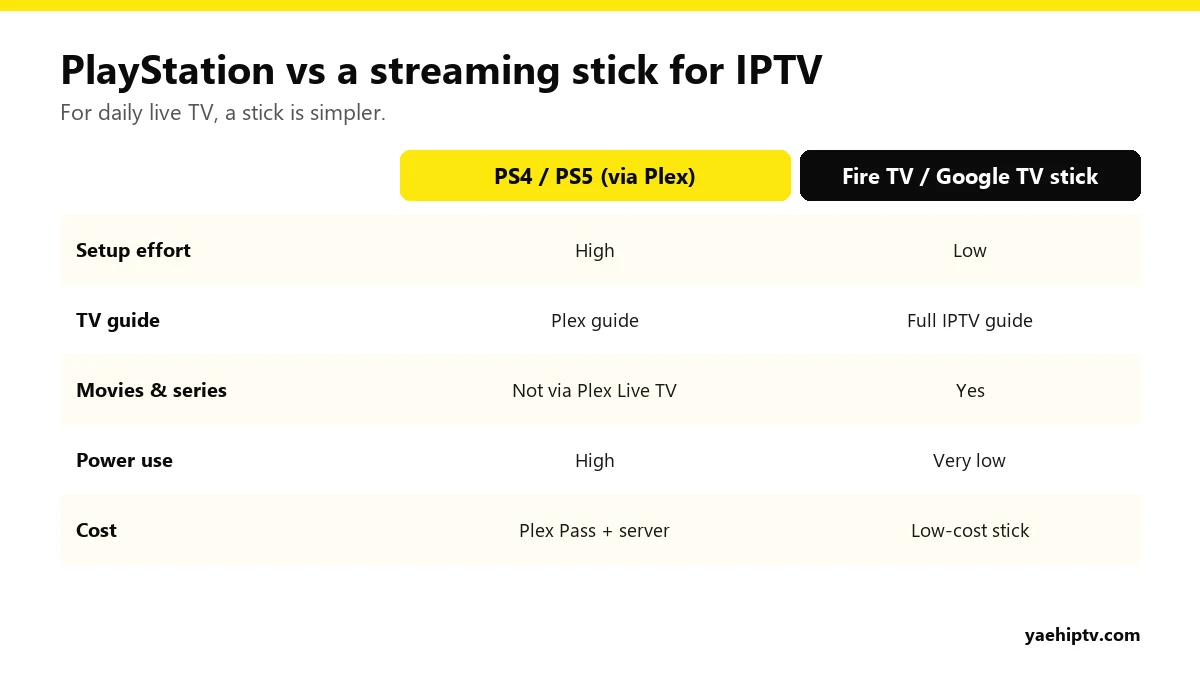
- You already run Plex: go with Option 1.
- Everyone else: Option 2. A streaming stick is cheap, uses far less power than a console running for hours, and gives the full Yeah IPTV experience.
FAQ
Will Sony add an IPTV player to the PlayStation Store?
There’s no sign of that. Plan around the options above.
Does Plex on PS5 count as a Yeah IPTV connection?
Yes. Each live stream through Plex uses one connection on your plan.
Does Xbox work better?
Xbox has more IPTV player options in its store. See Yeah IPTV on Xbox.
Need help with your IPTV?
Our team is available 24/7 to help you install and use your subscription on any device.
CONTACT US ON WHATSAPP