
“It works on the living room TV, but the bedroom says max connections.” That’s one of the most common messages support gets. It isn’t a fault. It’s how Yeah IPTV connections work. Once you understand the rule, picking the right plan is easy, and so is avoiding that error.
The Rule in One Sentence
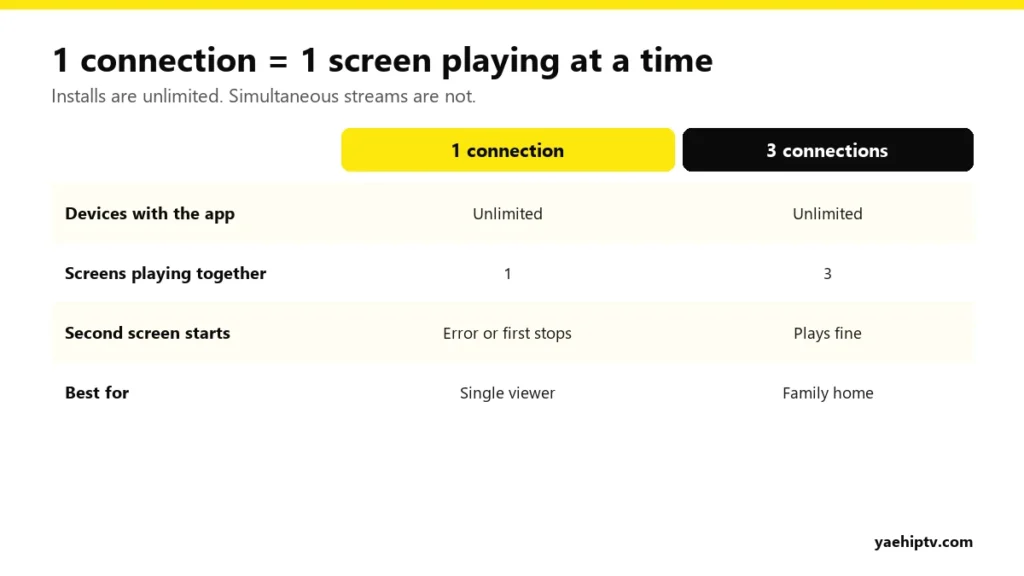
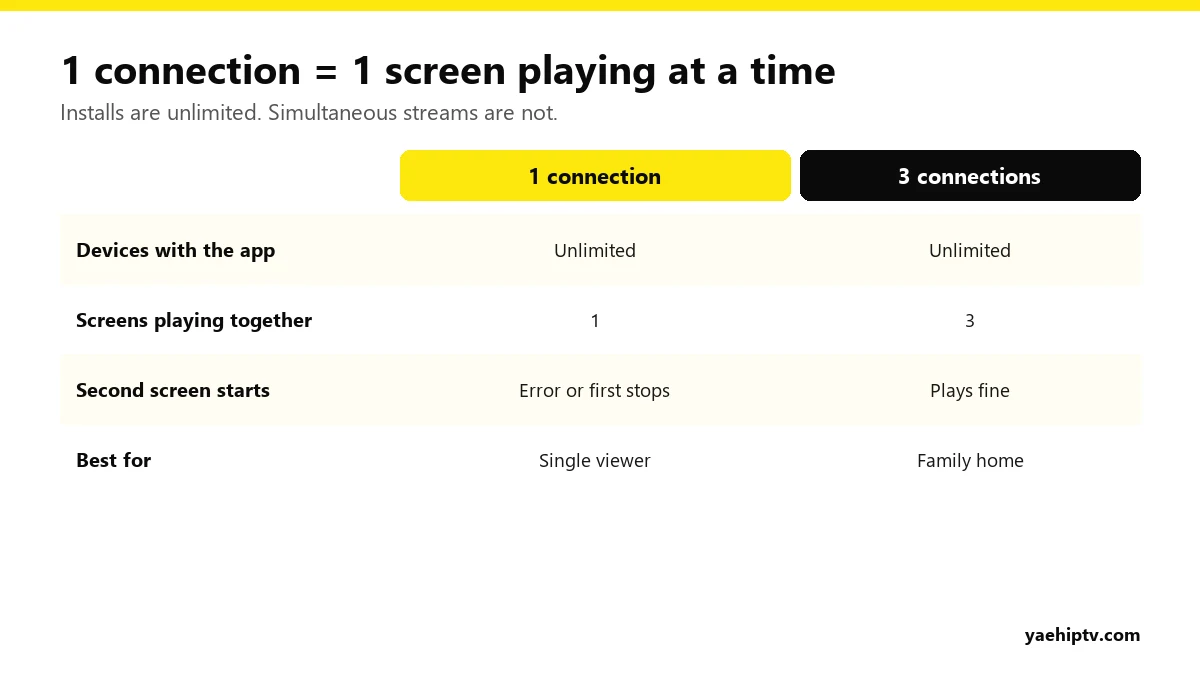
One connection = one screen streaming at a time. Not one device, not one install. You can put your login on five devices, but with 1 connection only one of them can play at any moment.
What Happens When You Go Over
If your plan has 1 connection and a second screen starts playing, one of two things happens, depending on the app:
- the new screen shows “max connections reached” or a similar error, or
- the first screen stops.
Close one stream and the other works again.
Things That Use a Connection (Some Are Surprising)
- Every screen playing live TV, a movie or a series.
- Recording in TiviMate or another app while it records, even if no one’s watching.
- Casting or mirroring from your phone to the TV. The phone is playing, so it counts.
- A screen left on in another room, or an app paused in the background on some devices.
- Plex Live TV: each stream through Plex. See Yeah IPTV in Plex.
Browsing the menu or the TV guide without playing usually doesn’t count, but some apps keep the last channel streaming in a small preview window. Close the preview if you’re near your limit.
How Many Connections Do You Need?
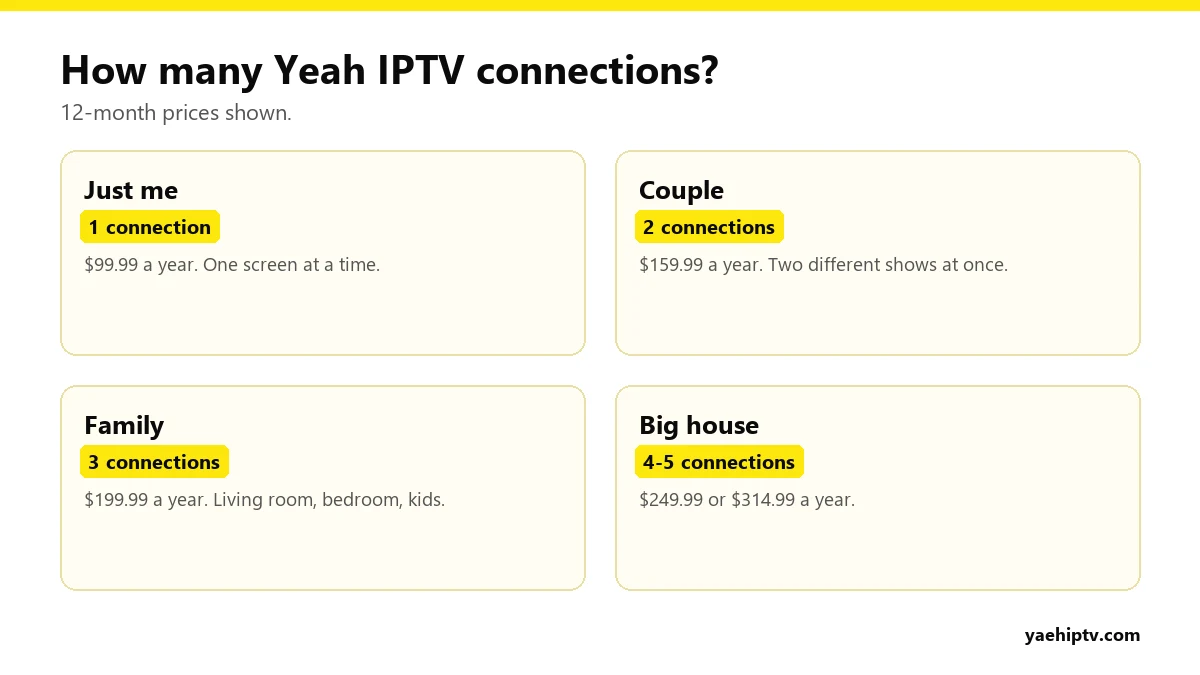
Count the maximum number of screens that play at the same time on a busy evening, not the number of TVs in the house. Then:
- 1: you watch alone, or the family watches together.
- 2: two people often watch different things.
- 3: a family with kids’ TV and two adult screens.
- 4 to 5: big households, or if you also record often.
Full prices are in the Yeah IPTV plans guide.
Same Household Only
Multi-connection plans are for screens in one home. Sharing your login with friends or family in other houses breaks the terms of use and can get the account suspended without a refund. It also means you’ll hit “max connections” when they’re watching.
Upgrading Later
Started with 1 connection and now need 2? Message support on WhatsApp (+1 (774) 760-2714). They can move you to a plan with more connections.
FAQ
Can I install Yeah IPTV on my phone and my TV with 1 connection?
Yes. Just don’t play on both at the same time.
Does watching on my phone outside the house use a connection?
Yes. It counts like any other screen, wherever you are.
I’m getting “max connections” but nobody else is watching
Check for a TV left on, a recording running, or an app paused in the background. Restart the devices. If it continues, contact support with a screenshot.
Need help with your IPTV?
Our team is available 24/7 to help you install and use your subscription on any device.
CONTACT US ON WHATSAPP
One Response