
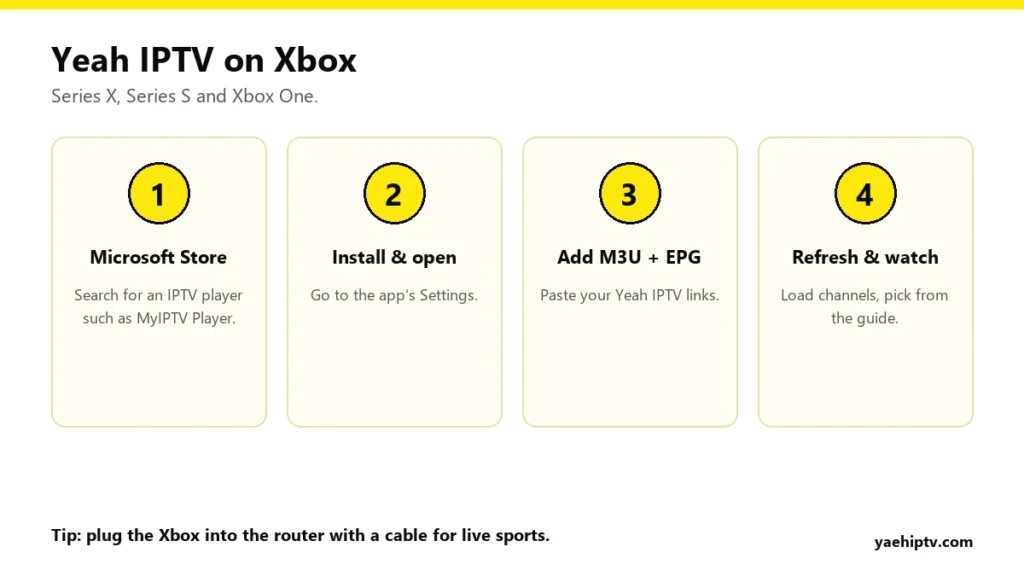
Unlike PlayStation, the Xbox lets you install IPTV players straight from the Microsoft Store. That makes it a perfectly good way to watch Yeah IPTV on the big TV, with no extra stick. Here’s how to set it up on Xbox Series X, Series S and Xbox One.
Which App to Use
Search the Microsoft Store on your Xbox for “IPTV”. The best-known option is MyIPTV Player, which supports M3U playlists and a TV guide. Other IPTV players appear and disappear from the store over time, so if one isn’t available, try another that supports M3U and EPG.
Most Xbox players use an M3U link rather than an Xtream Codes login. If you only received a username, password and server URL, ask Yeah IPTV support for your M3U and EPG links. Here’s the difference: M3U vs Xtream Codes.
Step-by-Step Setup
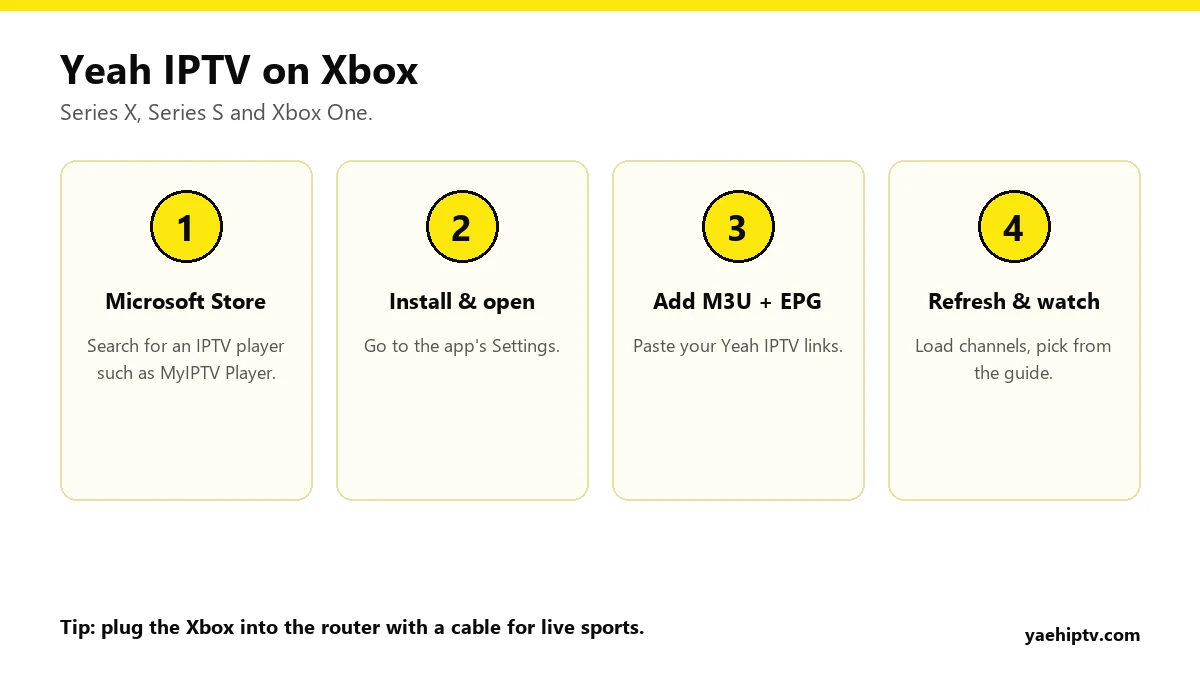
- On your Xbox, open the Microsoft Store and search for the player (for example “MyIPTV Player”). Install it.
- Open the app and go to its Settings.
- Choose to add a new remote channel list or playlist. Give it a name (“Yeah IPTV”) and paste your M3U link.
- Add your EPG link in the guide or EPG section.
- Select the playlist as your active one and refresh. Channels load, then the guide.
Typing long links on an Xbox
M3U links are long, and typing them with a controller is painful. Two shortcuts:
- Plug a USB keyboard into the Xbox.
- Or save the link in a text note on your phone or PC, then copy it on the Xbox through the Edge browser and paste it into the app.
Get a Smooth Picture
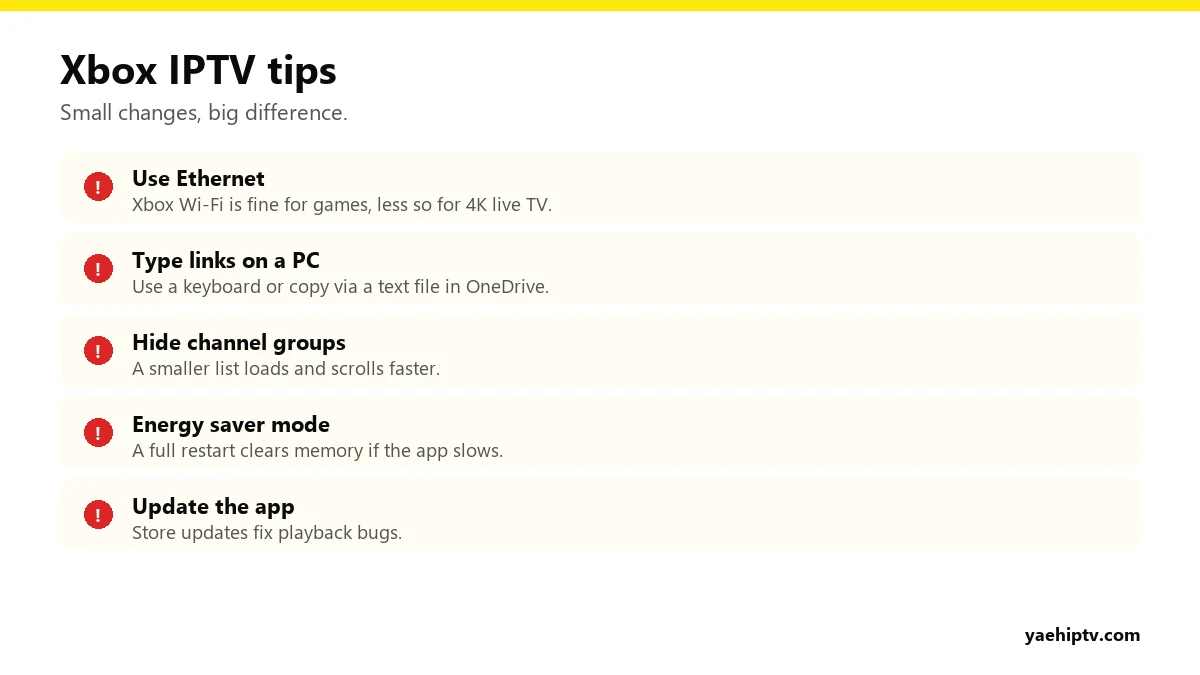
- Ethernet over Wi-Fi. Especially for 4K and live sports. Speeds: 10 Mbps for HD, 20 Mbps+ for 4K. See internet speed for 4K IPTV.
- Trim the list. If the app lets you hide groups, hide the countries you don’t watch. 40,000+ channels is a lot for any app to scroll.
- Restart fully now and then. Hold the Xbox button and choose Restart console.
- Still buffering? Go through how to fix IPTV buffering.
What About Movies and Series?
Many Xbox IPTV apps focus on live TV. If the movie and series library doesn’t appear, that’s a limit of the app, not of your account. For the full on-demand library, use a streaming stick or the IPTV Smarters app on Windows. See Smarters with Yeah IPTV.
FAQ
Does the Xbox count as a connection?
Yes, like any screen. With 1 connection, only one device can play at a time.
Can I use the Xbox Edge browser instead?
A dedicated player is far more reliable for live TV. Use the browser only to copy and paste links.
Does it work on Xbox One too?
Yes, if the player is available for your console in the Microsoft Store.
Need help with your IPTV?
Our team is available 24/7 to help you install and use your subscription on any device.
CONTACT US ON WHATSAPP