
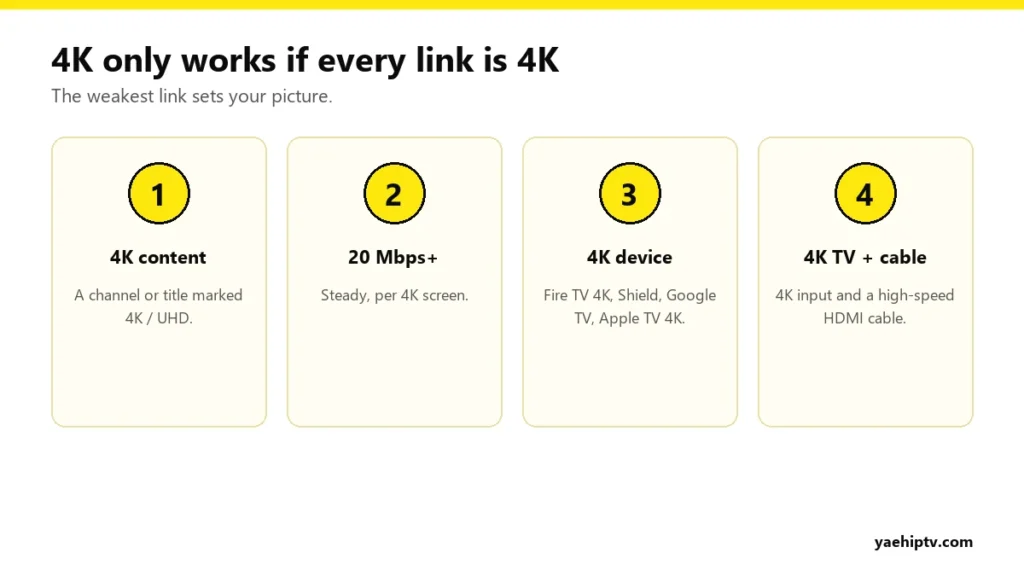
A 4K TV doesn’t automatically mean a 4K picture. With 4K IPTV, every part of the chain has to support 4K: the channel, your internet, the streaming device, the HDMI cable and the TV. If one of them doesn’t, you get HD at best. This guide shows what you need to watch Yeah IPTV in real 4K in a US home, and how to fix a “4K” channel that doesn’t look sharp.
The 4K Chain
1. 4K content
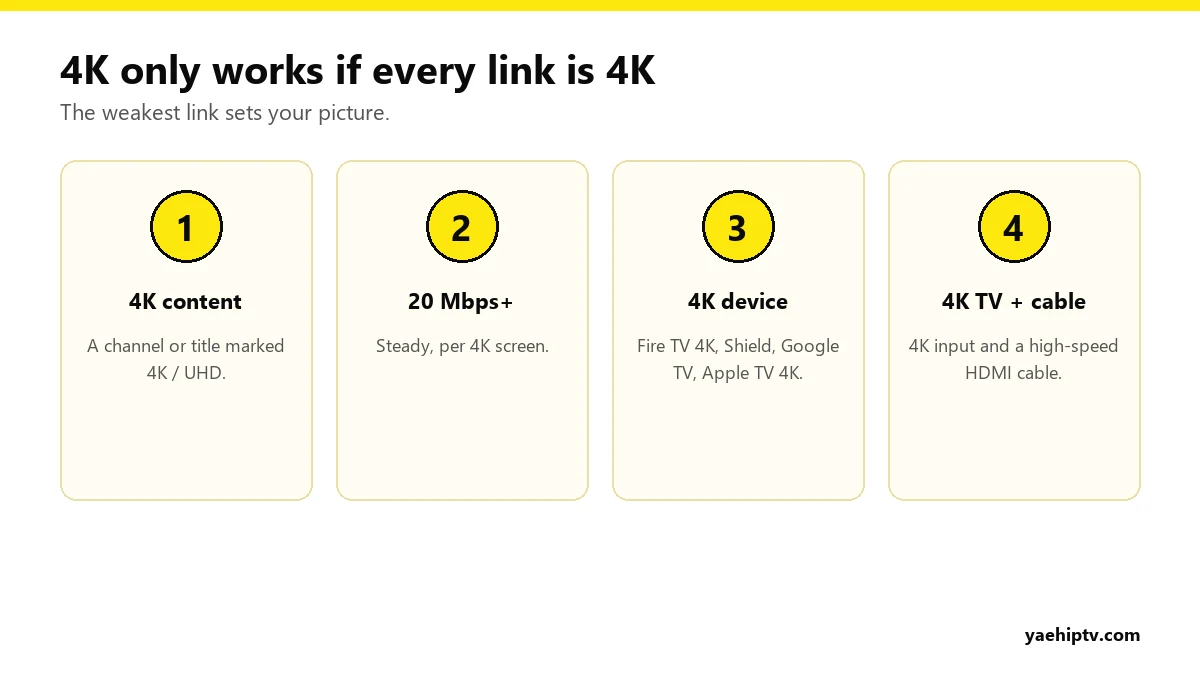
Not every channel is broadcast in 4K. Look for channels and titles labeled 4K or UHD in your Yeah IPTV list. Many big sports events and newer movies have 4K versions.
2. Internet: 20 Mbps or more, steady
Plan on 20 Mbps or more per 4K screen, and it has to hold that speed in the evening, not just in a morning speed test. Two 4K screens at once means 40 Mbps or more. Details: internet speed for 4K IPTV.
3. A 4K streaming device
Fire TV Stick 4K, Google TV Streamer, Nvidia Shield or Apple TV 4K. A standard HD Firestick can’t output 4K. Comparison: best IPTV box in 2026.
4. The right HDMI port and cable
Many TVs only support full 4K on certain HDMI ports (often labeled 4K, HDCP 2.2 or HDMI 2.0+). Use a high-speed HDMI cable.
5. A 4K TV
Obvious, but check the input settings. Some TVs need “enhanced” HDMI mode turned on for that port.
Wi-Fi vs Cable for 4K
4K is where Wi-Fi problems show most. A device two rooms from the router on 2.4 GHz will drop to lower quality or buffer. Use an Ethernet cable (Fire TV and Google TV need an adapter), or at least 5 GHz Wi-Fi close to the router.
4K Channel Doesn’t Look Sharp?
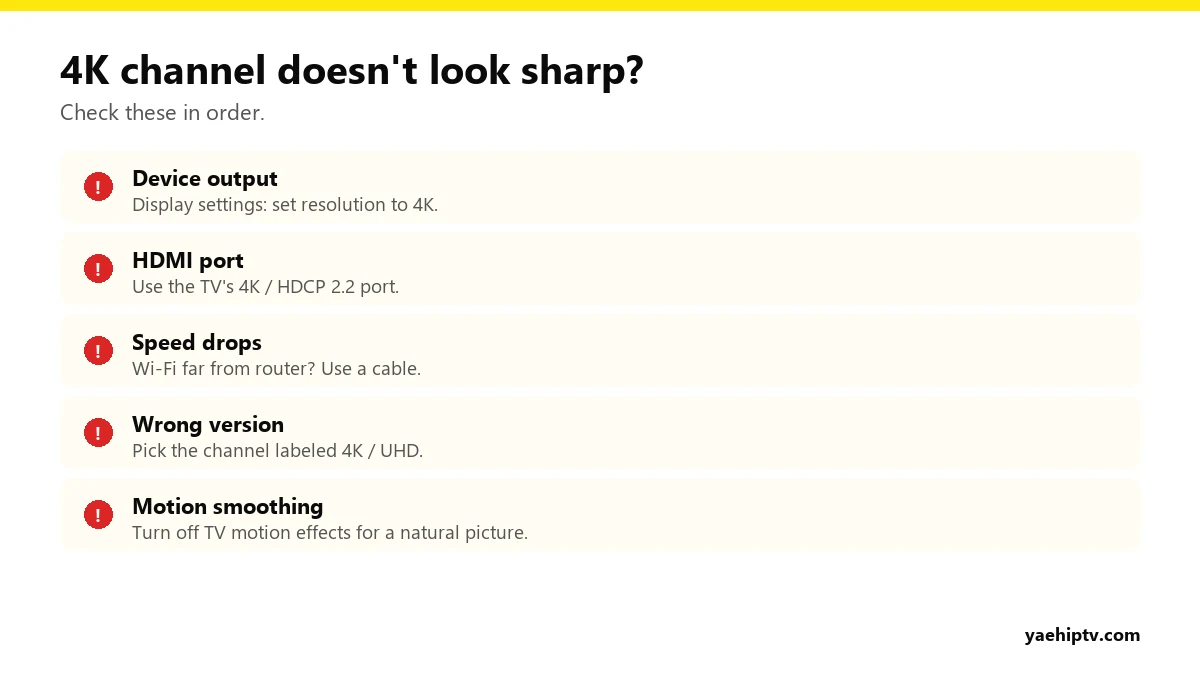
- Check the device’s output: in its display settings, set the resolution to 4K (or “auto” detecting 4K).
- Move the HDMI cable to the TV’s 4K port.
- Test your speed in the evening. If it drops below 20 Mbps, the player may lower the quality.
- Pick the 4K version of the channel, not the HD or FHD one.
- Turn off motion smoothing on the TV. It can make sports look strange.
Is 4K Worth It?
On a 55-inch TV or bigger, for sports and new movies, yes. On a 32-inch bedroom TV or a phone, FHD looks almost the same and is far more forgiving on your internet. Many people use 4K in the living room and HD everywhere else.
FAQ
Does every Yeah IPTV plan include 4K?
Yes. 4K, FHD and HD are included on every plan for supported content. See plans and setup.
Why does 4K buffer when HD doesn’t?
4K needs several times more data. If your connection is borderline, use a cable or switch to the FHD version. Also see buffering fixes.
Can I watch 4K on two TVs at once?
Yes, with 2 connections and roughly double the bandwidth.
Need help with your IPTV?
Our team is available 24/7 to help you install and use your subscription on any device.
CONTACT US ON WHATSAPP