
Ask ten IPTV users about VPNs and you’ll get ten answers. Some say a VPN fixed their buffering. Others say it caused it. Both can be right, because a VPN changes the path your stream takes, and that can help or hurt depending on your internet provider and your settings. Here’s how to figure out what’s best for Yeah IPTV in your home, in about 30 minutes.
What a VPN Changes
- Privacy: your traffic is encrypted between your device and the VPN server. That’s useful on hotel or airport Wi-Fi.
- Provider slowdowns: some internet providers slow down video traffic at busy times. Encrypted traffic is harder to single out, so a VPN can help there.
- Extra distance: your stream now goes through the VPN server. If it’s far away or overloaded, you’ll get more buffering.
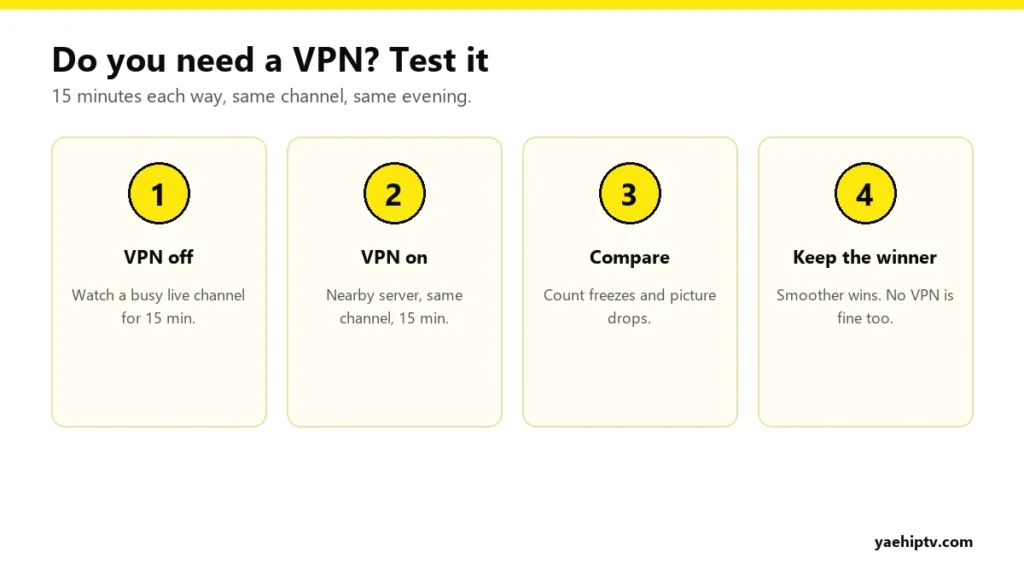
Do You Need One? Test It
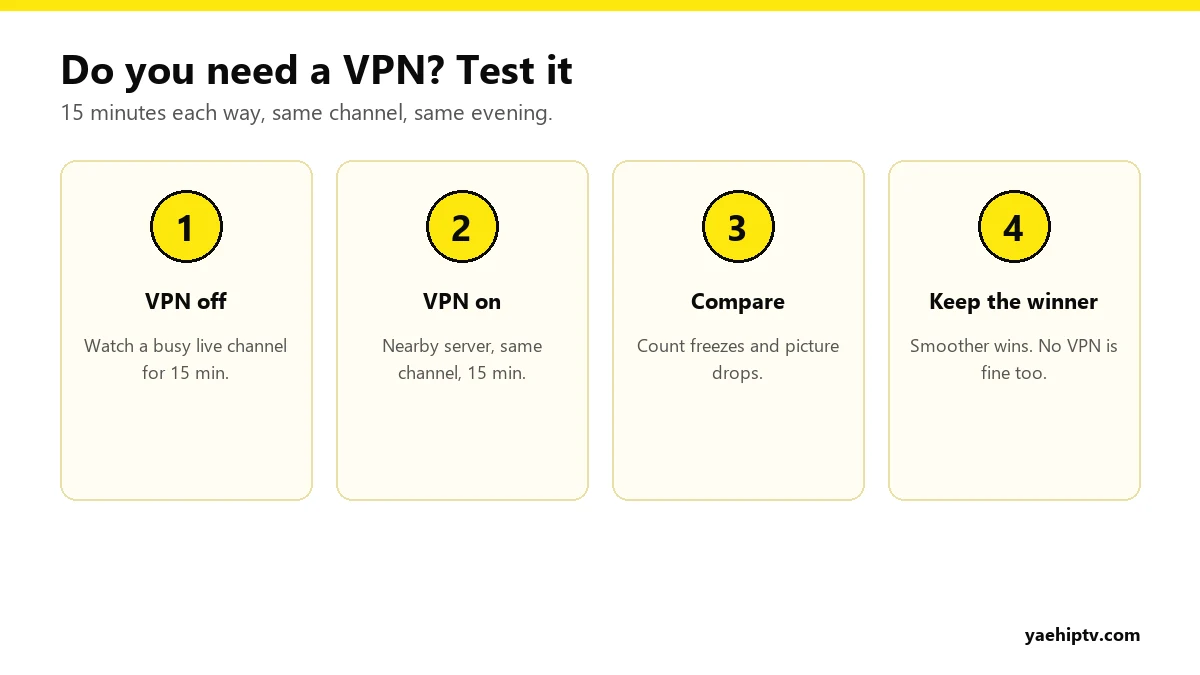
- In the evening, watch a busy live channel for 15 minutes without the VPN.
- Connect the VPN to a nearby server and watch the same channel for 15 minutes.
- Keep whichever was smoother.
If both are smooth, you don’t need a VPN for streaming. Yeah IPTV works fine without one.
If You Use a VPN, Set It Up Right
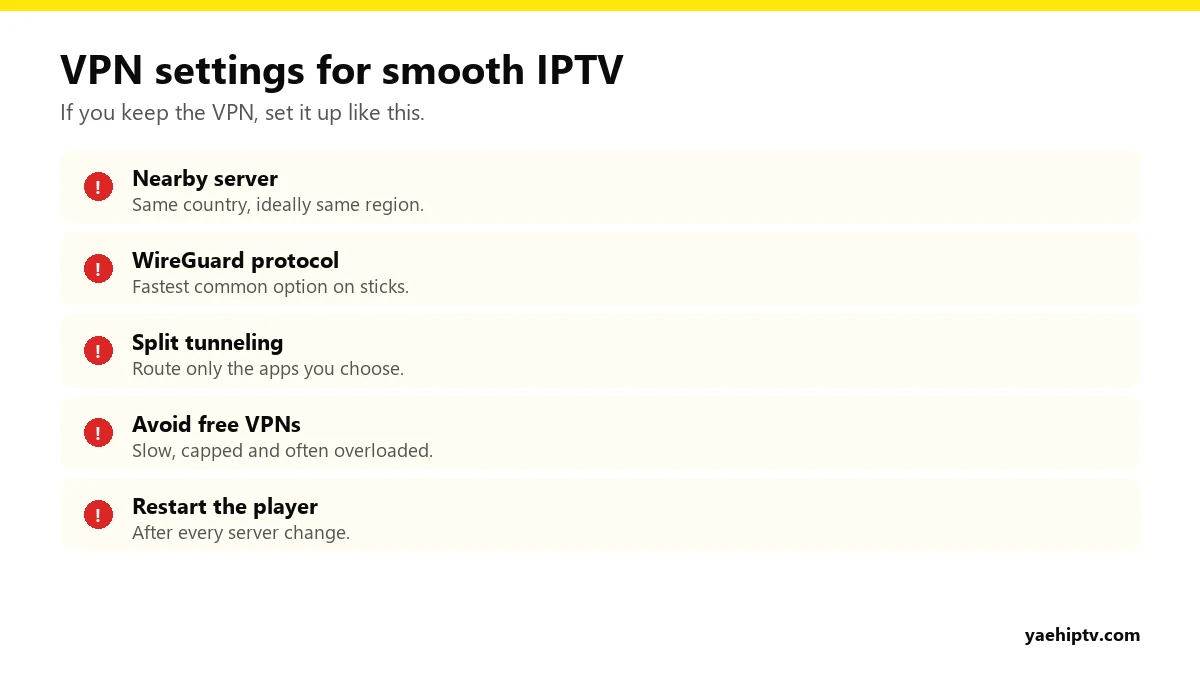
Choose a nearby server
Distance adds delay. Choose a server in your own country, and close to your region if possible. Avoid auto-selection that sometimes picks a crowded server far away.
Use WireGuard
In the VPN app’s settings, pick WireGuard (some brands give it their own name). It’s usually the fastest protocol on Firesticks and Google TV devices.
Use split tunneling
Split tunneling lets you pick which apps go through the VPN. Try routing only your IPTV player through it, or the opposite, and see which is smoother.
Restart the player after changes
Close your IPTV app completely after connecting or switching server, then open it again.
Where You Can Install a VPN
- Firestick, Google TV, Android TV: most major VPNs have apps in the Amazon Appstore or Google Play.
- Apple TV: some providers offer tvOS apps.
- Samsung and LG TVs: usually no VPN apps. You’d need a VPN on your router.
- Phones and computers: standard apps.
VPN Problems and Fixes
- Nothing loads with the VPN on: switch server. If none work, test without the VPN to confirm your account is fine.
- Freezes every few minutes: the server is overloaded. Change server and use WireGuard.
- Still buffering with or without VPN: it’s probably Wi-Fi or speed. See buffering fixes and internet speed for 4K.
Other problems? Go to Yeah IPTV not working.
FAQ
Does Yeah IPTV require a VPN?
No. A VPN is optional.
Will a VPN slow down my stream?
Always a little. With a nearby server and WireGuard, the difference is usually small.
Does a VPN count as an extra connection?
No. Connections are counted by screens playing Yeah IPTV, not by VPN use.
Need help with your IPTV?
Our team is available 24/7 to help you install and use your subscription on any device.
CONTACT US ON WHATSAPP
2 Responses