
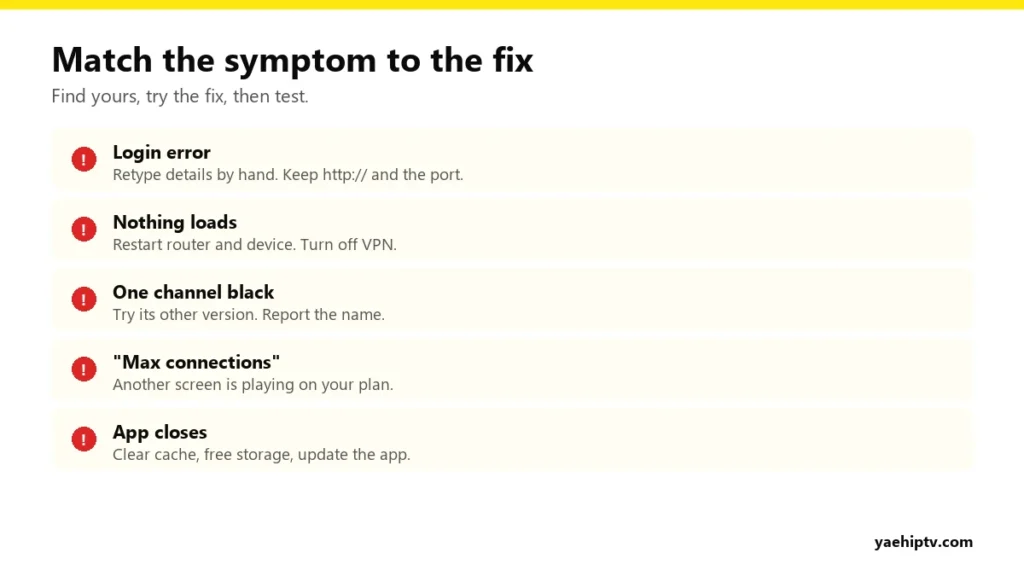
When Yeah IPTV isn’t working, the fix depends on what you’re seeing. An “invalid login” message has nothing in common with a single black channel or an app that closes itself. So instead of a random list of tips, this guide starts with your symptom and takes you straight to the fix.
First: a 30-Second Check
- Open YouTube on the same device. If it doesn’t work either, it’s your internet or the device. Restart the router and the device.
- Try your Yeah IPTV login on your phone using mobile data. If it works there, the problem is your home network or the TV app.
Find Your Symptom
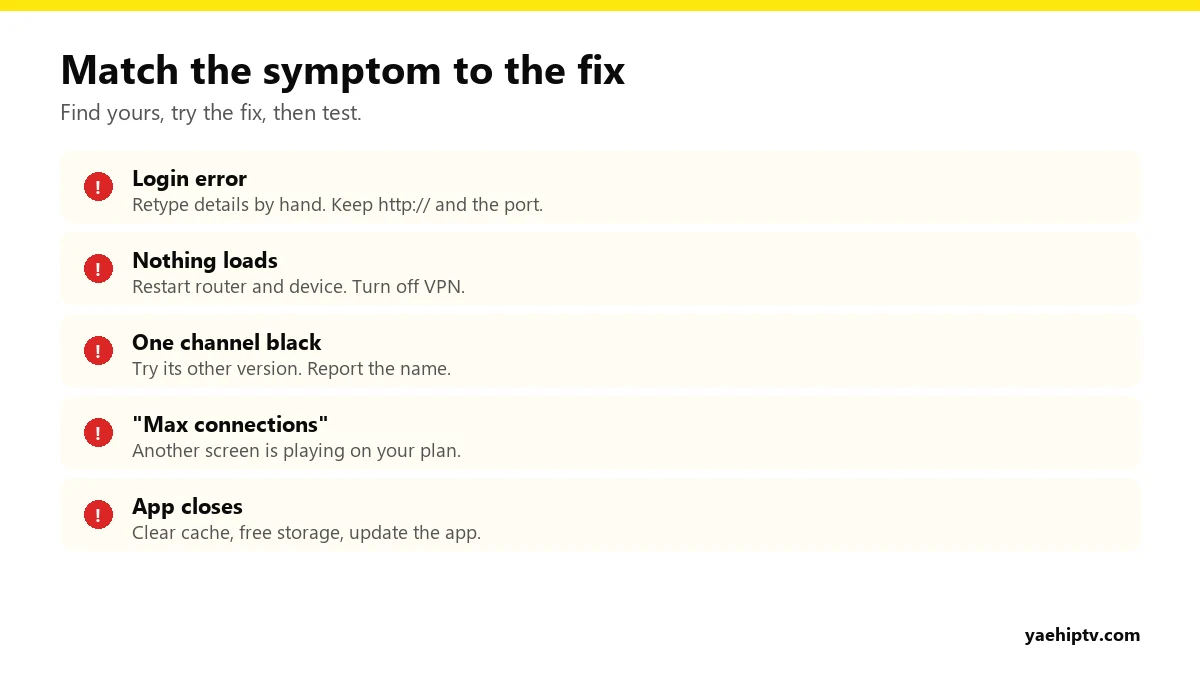
“Invalid username or password” or “Login failed”
- Type the username and password by hand. They’re case-sensitive. Pasting can add a hidden space.
- The server URL needs
http://and the port (for example:8080). - Check your plan or test hasn’t expired.
Logs in, but nothing loads or plays
- Restart the router (30 seconds unplugged), then the device.
- Turn off any VPN, or switch to a nearby server. See IPTV with a VPN.
- In the app, refresh or reload the playlist.
One channel is black or says “unavailable”
- Switch away and back, or try the channel’s other version (HD, FHD, 4K).
- Still black after 15 minutes? Send the exact channel name and group to support.
“Max connections reached”
Your plan’s screens are all in use, maybe a TV left on, a recording, or someone else watching. Close one. How it works: connections explained.
The app closes or freezes
- Clear the app cache (Firestick/Android: Settings › Applications › your app › Clear cache).
- Free up storage. Uninstall apps you don’t use.
- Update the app, or reinstall it.
Picture buffers or freezes
Wi-Fi strength and speed are the usual causes. Go through how to fix IPTV buffering, and for 4K see 4K IPTV requirements.
TV guide is empty or wrong
Refresh the EPG in the app’s settings and wait a few minutes. If times are off, set your device’s time zone correctly. See EPG and catch-up.
Device-Specific Tips
- Firestick: low storage causes most crashes. See the Firestick guide.
- Samsung / LG: switch the TV fully off (not standby). For MAC-based apps, check the MAC address is linked. See Smart One IPTV setup.
- Roku: Roku can’t run IPTV players. See Yeah IPTV on Roku.
- Computer: try VLC to test. See Yeah IPTV on VLC.
Still Not Working? Contact Support
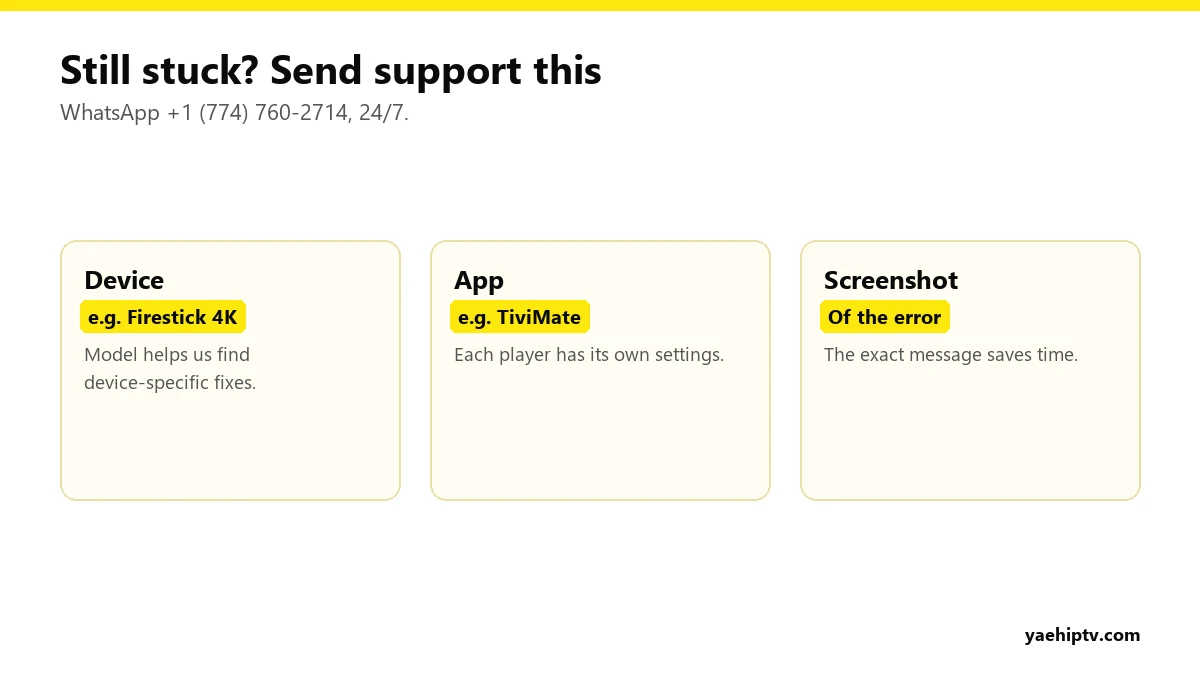
Message WhatsApp +1 (774) 760-2714 or email support@yaehiptv.com, 24/7. Send your device, the app you use, what’s happening, and a screenshot. One complete message usually gets a fix in one reply. And if it really isn’t right for you, paid plans are covered by the 7-day money-back guarantee.
FAQ
Is Yeah IPTV down right now?
If YouTube works and every channel fails on every device, including your phone on mobile data, contact support to check the status.
It worked yesterday. What changed?
Usually an expired plan, an app update, a router that needs a restart, or a VPN that switched servers.
Need help with your IPTV?
Our team is available 24/7 to help you install and use your subscription on any device.
CONTACT US ON WHATSAPP